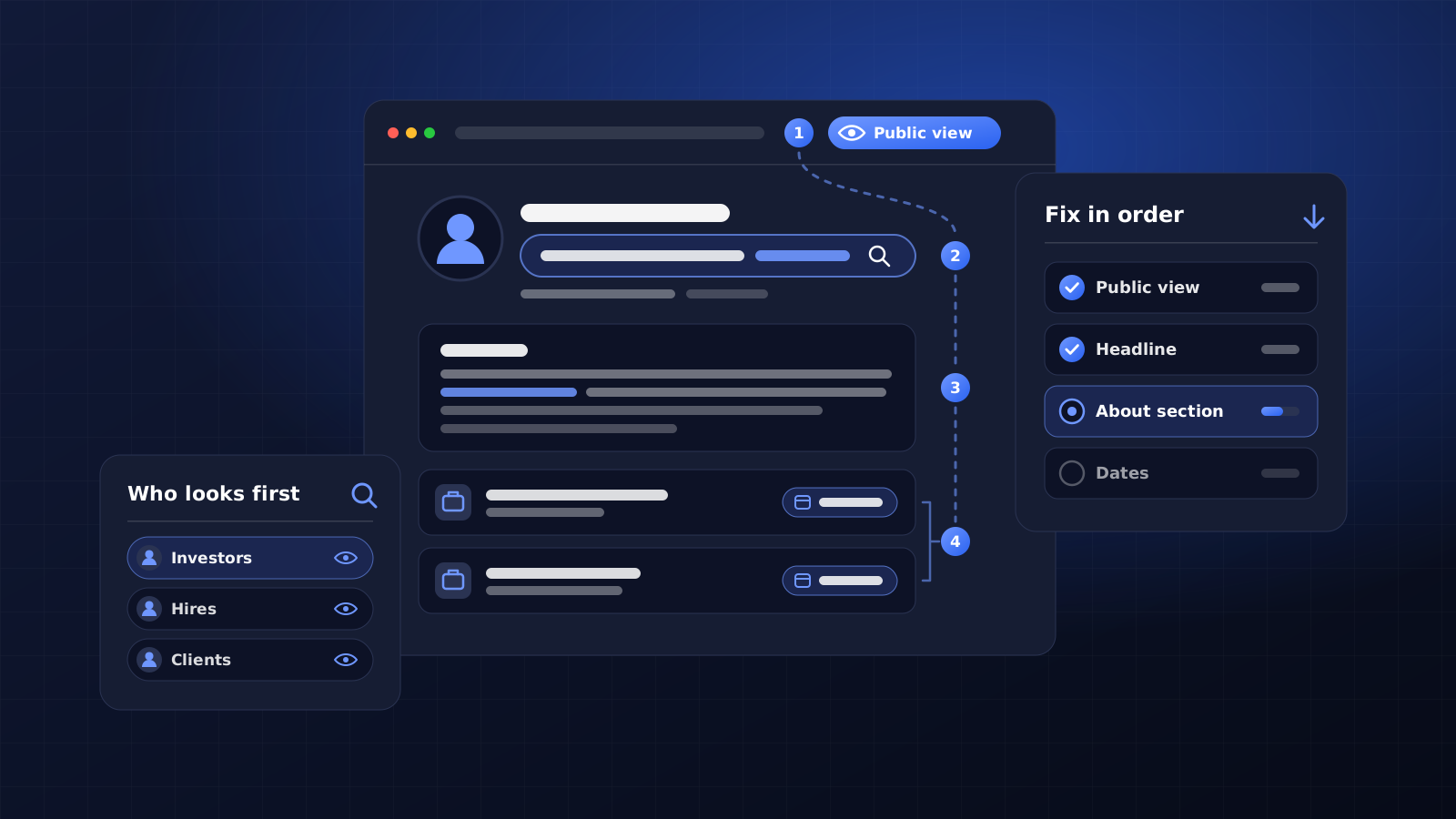
A LinkedIn profile for founders has one job: to show the investor, hire, client or journalist who looks you up that you are who your website and pitch say you are. Fix four things first: what strangers see when logged out, your headline, the first lines of your About section, and dates that match your other pages.
01.Who checks a founder's LinkedIn profile
Four groups read a founder's profile closely, and they usually reach it by searching your name. Investors look for a track record and dates that add up. A senior hire wants to see what you built before and who chose to work with you. Clients want proof that you have fixed their kind of problem, and journalists confirm that you exist, hold the role you claim and can speak on their subject.
None of them will message you to ask what your headline means. They skim, decide and close the tab, so the profile has to answer their question without you in the room.
Search your own name in a private browser window and the LinkedIn result will probably sit on the first page. That makes it one of the few results about you that you write yourself, which is why the post on ranking your name on Google treats it as seriously as your own website.
02.See your profile the way a stranger does
LinkedIn shows two versions of you. Signed-in members see the full profile, while Google, Bing and anyone without an account see your public profile, a simplified version that LinkedIn lets you switch on or off section by section. Switch your photo off for privacy once, forget about it, and everyone who searches your name without signing in gets a grey silhouette where your face should be.
Run through this once:
- Open a private browser window, search your full name and click the LinkedIn result. That page is what anyone who is not signed in sees.
- Go to your public profile settings and make your photo, headline, About section and current role visible to everyone.
- Claim a clean custom URL on the same screen: linkedin.com/in/priyashah rather than the default with random characters on the end. LinkedIn's URL rules allow 3 to 100 characters with no spaces or symbols, and up to five changes in six months, so choose the version of your name you will keep.
- Your website belongs in your contact info, so people can move from LinkedIn to a page you own in one click.
Google does not pick up these changes straight away. LinkedIn's help centre warns that search tools can take several weeks, sometimes months, to refresh a public profile, so do this part first and let it catch up while you work on the rest.
03.Replace the default founder headline
LinkedIn usually fills your headline from your current position, which is how so many founders end up with "Founder at Company Name". That line gives a visitor nothing to go on, and the headline is the text LinkedIn shows under your name in search results, on comments and in connection requests.
The field holds 220 characters, but comments and search results cut it short, so the opening words carry most of the meaning. A plain pattern works: who you help, with what, and one fact a reader can check.
For example, take an invented founder who runs a payroll bureau. "Founder & CEO" says nothing about who they serve. "Payroll for UK restaurants and bars with 10 to 80 staff | Founder, former hospitality payroll lead" tells a restaurant owner they are in the right place, and every part of it is backed up further down the profile.
Cut words nobody can verify. Visionary, serial entrepreneur and award-winning all belong in that group, unless the award has a name. If your positioning is still loose, settle it before you touch the headline, because a brand positioning statement gives you the sentence a good headline is cut from.
04.Write the About section for a cold reader
The About section holds up to 2,600 characters, but visitors see only the first two or three lines before the "see more" link. Write those lines as if they were the whole section, because for plenty of readers they will be.
Open with the problem you solve and who you solve it for, in the words a client would use. Then give the short version of how you got here. Add one or two facts someone can confirm elsewhere, such as a former employer, a funding round you have announced or a press piece, and finish with who should get in touch and how.
People search LinkedIn with phrases like "payroll consultant Manchester", so use the terms your clients type, once each, inside normal sentences. A block of keywords pasted at the bottom reads as spam to the humans who decide whether to reply.
05.Make names, roles and dates match everywhere
A cautious reader compares your profile with everything else they have found. Use the same form of your name and the same job title on LinkedIn, your website, your founder bio and your company filings. If the website says you founded the company in 2019 and LinkedIn says 2020, an investor notices and a journalist asks.
Anyone reading your profile is checking one thing: whether the facts match everything else they have read about you.
Link your current role to your company's LinkedIn Page, so the logo appears and visitors can click through. Without a Page, the entry shows a grey placeholder and looks unfinished. Earlier roles need one or two lines each: what you were responsible for and one result you can stand behind.
A verification badge settles the question a careful investor will not ask out loud: whether the account belongs to you. LinkedIn lets you verify your identity, workplace or education at no cost, through CLEAR with a government ID in the US and through Persona with a chipped passport in many other countries. The name you verify must match your profile name, one more reason to settle on a single version. LinkedIn says verified members see 60% more profile views on average, a figure from the platform itself, so treat it as a rough guide.
Matching details also help Google work out that your LinkedIn profile, website and press mentions describe one person, which is the groundwork behind getting a Google Knowledge Panel.
06.Pin proof in the Featured section
The Featured section sits below your About section and holds links, posts, documents and media. Left empty, it wastes the space where a doubtful visitor looks for evidence. Pin three to five items, weighted towards things someone else published or recorded:
- Your best press article or podcast episode, where the host introduces you.
- A talk recording or slide deck, ideally from an event with its own website.
- One long post that shows how you think about the problem your clients bring you.
- A client story on your website, if that client has agreed to be named.
Order matters too. Put the item a sceptical investor would open before anything else in the top slot, and swap out anything older than about two years once you have something newer, since an old pin suggests the company has gone quiet.
Recommendations work the same way. Two or three from clients or former colleagues that name a specific piece of work carry more weight than twenty that call you great to work with. When you ask, suggest the project they might mention, and accept that some people will say no.
07.Add services if you sell your time
Founders who run a service business can list what they sell on LinkedIn. A Service Page is free to create, can sit on your personal profile or your company Page, and lets potential clients send you a request for proposal whatever their connection to you. Some extra features need a Premium Business, Sales Navigator or Recruiter Lite plan.
Name each service in the words your clients use, not your internal package names, and list only the work you want more of. Eight loosely related services read as a generalist; two clear ones read as someone who knows what they sell.
Once more than a couple of people deliver the work, move the Service Page to the company Page, so your personal profile stays about you.
Common mistakes on founder LinkedIn profiles
Look for these on your own profile before anyone else does:
- Old guides. Some still tell you to switch on Creator Mode. LinkedIn removed that switch and made its features part of every profile, so there is nothing to turn on.
- The default banner. The stock background wastes the widest space on the page, when your company name and one line on who you serve would do.
- Finished roles still marked current. An advisory role that ended last year but still looks live makes people think your time is split.
- Posting before the profile is ready. A post that travels sends people straight to your profile, and an empty About section loses them on arrival.
- Claims with no proof. "Helped hundreds of businesses grow" invites a question you cannot answer in a first meeting. Name the type of client and the kind of result instead.
If you want a second pair of hands on it, our personal branding service covers LinkedIn alongside your bio and positioning.
Frequently asked questions
Should a founder write their LinkedIn About section in first person?
Yes, for most founders. The profile belongs to you, and first person reads as you talking to the visitor, which is why they opened it. Third person suits a press bio or a speaker introduction, where someone else is presenting you. Keep the facts identical in both versions and leave the formal company description to your website and company Page.
Do founders need LinkedIn Premium?
No. Everything in this guide works on a free account, including the custom URL, the Featured section, verification and a basic Service Page. Premium earns its fee if you use LinkedIn for outbound sales or hiring and will use the extra search filters and messages. Try it for one month against one clear goal, like a number of booked calls, before you commit.
How often should a founder update their LinkedIn profile?
Update it whenever a fact changes: a new role, an announced funding round, a new service or a press piece worth pinning. Read the whole profile once a quarter as well, and ask one person outside the company to read it cold and tell you, in a sentence, what they think you do. If their answer is wrong, start with the headline.
Is a good profile enough, or do founders need to post on LinkedIn?
A good profile is enough for the quick look people take before a meeting. Posting does a different job: it brings people to your profile who were not looking for you. If you post, start with one post a week on the problem you solve and give it three months before judging it. A complete profile with no posts looks better than a burst of posts that stops after a fortnight.